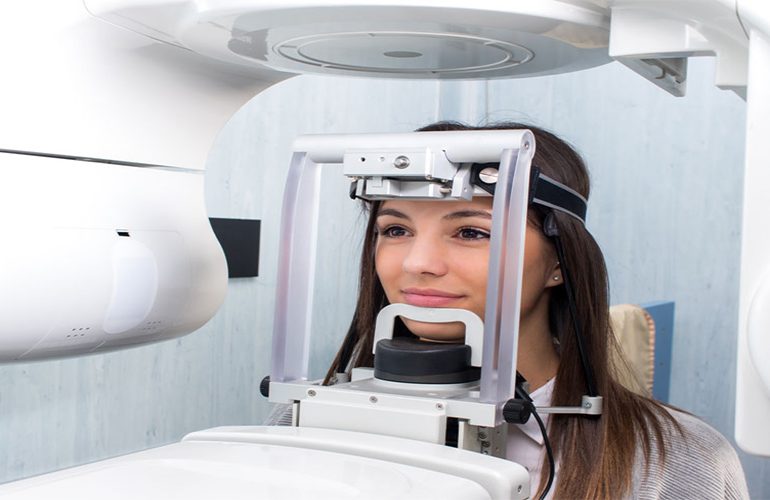
When you are given a file, link or CD after a tomography scan, it is often not fully clear what is inside. This file is usually called DICOM and it is actually the original form of your images according to medical standards. A DICOM file carries much more than an ordinary photo file. As DijiDent Oral and Dental Health Polyclinic, we care about explaining to our patients in Türkiye how their own images are stored and how they can be used, because this data is part of your health record.
What Is DICOM?
DICOM is an international format developed so that data produced by medical imaging devices can be stored and shared in a common standard. Its name is based on the expression “Digital Imaging and Communications in Medicine.” Thanks to this format, images taken with devices of different brands can be opened and interpreted in different software.
How Does It Differ from JPEG?
A tomography picture saved as a screenshot or JPEG is only a fixed image of a single slice. A DICOM file, on the other hand, contains all the slice data. This means that when your dentist opens this data, they can rotate the image, take slices in any plane and make measurements at true scale. The file also contains the scan date, device information and technical parameters. For this reason, when images are requested from a dentist, DICOM data is requested, not a screen photo.
What Is This File Useful For?
- Second opinion: It allows a different dentist to examine the same data without repeating the examination.
- Preventing unnecessary repetition: If the image is current, there is no need for a new scan; this prevents additional radiation exposure.
- Remote planning: A preliminary evaluation can be made for our patients living abroad.
- Surgical planning: Implant planning software and surgical guide production use this data.
- Long-term follow-up: Changes in bone level can be monitored by comparison with an image taken years later.
How Do You Open the File?
DICOM files cannot be opened with standard image viewers; special viewer software is required. CDs or digital packages provided by clinics usually contain a simple viewer. However, it is worth being realistic here: as a patient, you are not expected to interpret this file in detail yourself. The aim is for you to be able to pass the data on to a dentist. If you cannot open the file, do not worry; when you send it to your dentist, it will be opened on their own systems.
How Do You Send the File to Your Dentist?
In practice, the most practical way is to forward the digital link provided by your clinic directly to your dentist. Because the file size is large, standard e-mail attachments are often insufficient. If a CD was delivered, you can take it physically; however, since many computers today do not have an optical drive, we recommend that you prefer digital sharing. When you send the file, stating the scan date also makes it easier for your dentist to assess how current the image is.
Storage and Privacy
These files are personal health data. Identifying information such as first name, surname and date of birth may be included in the file. For this reason, it is recommended that you share it only with the people and institutions from which you receive healthcare services, via secure channels. At DijiDent, the storage and sharing of patient data are carried out within the framework of the legislation on the protection of personal data; your images are not shared with third parties without your request and consent.
Why Should You Keep Your Images?
Oral health is evaluated not by looking at a one-time picture but at changes over time. Comparing your bone level of five years ago with your current level provides valuable information for understanding whether gum disease has progressed or the situation around an implant. For this reason, we recommend that you also keep your images in your own digital archive. Even if you change clinics, these records stay with you and become a concrete document of your treatment history.
Frequently Asked Questions
Yes. You have the right to access your own health data; simply request it.
Do not worry. The file not opening does not mean the data is corrupted; it simply means there is no suitable viewer. You can send the file directly to your dentist.
Since the file size may be large, sharing via a link is usually preferred. Because it is personal health data, using a secure channel is recommended.
Validity is not tied to a single rule. If there has been treatment, extraction or bone change in your mouth, a current image may be needed. Your dentist makes the decision.
It can give an idea for preliminary information, but it is not sufficient for measurement and planning. For this reason, DICOM data is preferred.
Your images belong to you; let us use them correctly.
Let us evaluate whether the tomography or film records you have are sufficient for your current treatment plan. Contact us to book an appointment; let us proceed at DijiDent Oral and Dental Health Polyclinic while avoiding unnecessary repeat examinations.
This content is for general information purposes. The validity of images and the need for additional examinations are determined by the dentist’s evaluation.